CareMate Insight Setup Wizard
Start your free trial, unlock the app, and begin using CareMate Insight.
CareMate Insight 初期設定ウィザード
無料試用、制限解除、継続利用までの流れをご案内します。
Open the App and Check Your Free Trial
アプリを開くと、無料試用期間の残り日数が画面に表示されます。
画面下にある「制限解除ボタン」から、継続してご利用いただくための手続きに進むことができます。
When you open the app, you can check how many days remain in your free trial.
Tap the unlock button at the bottom of the screen to continue using the app after the trial period.
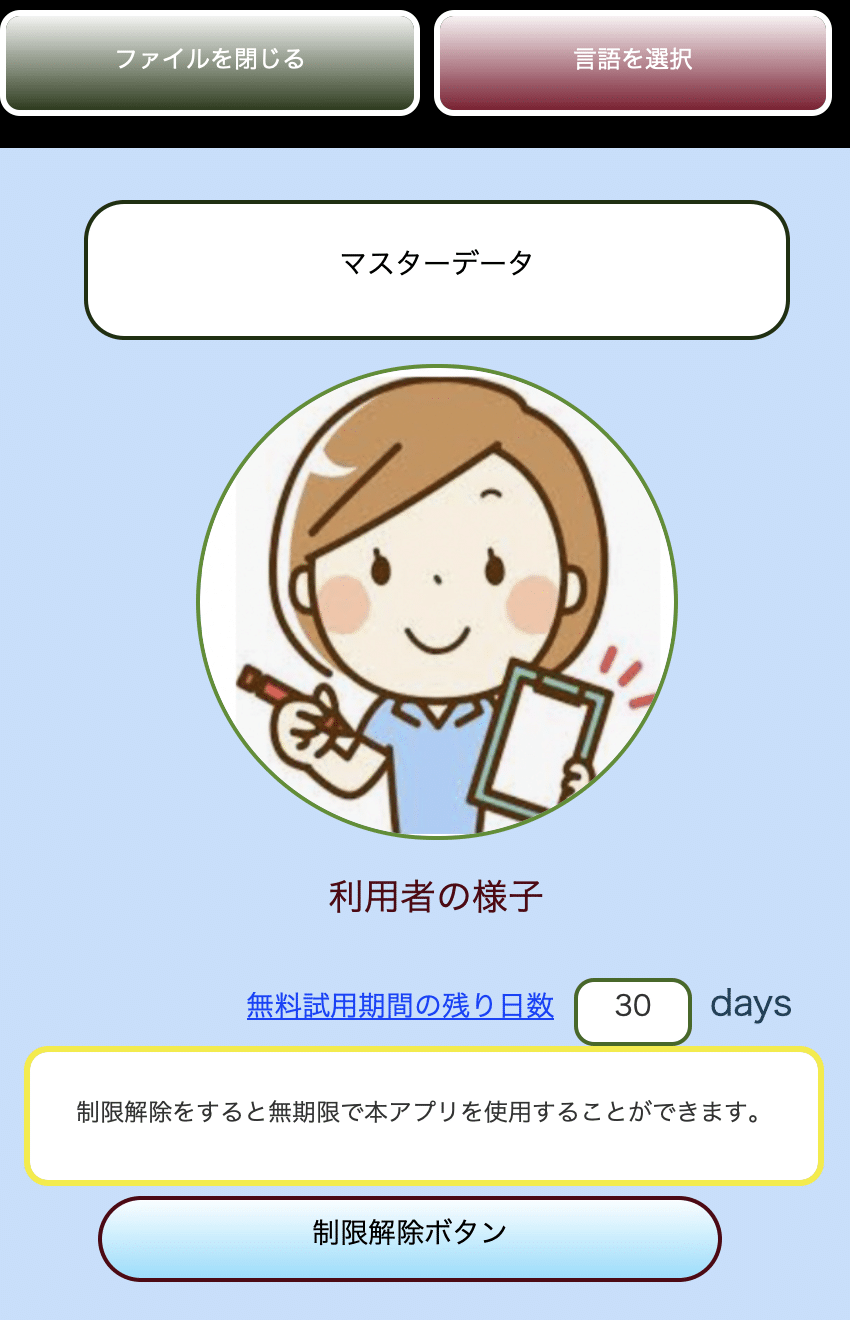
Example: Free trial screen and unlock button
画面例:無料試用期間と制限解除ボタン
Tap the Unlock Button
無料試用期間中にお試しいただき、引き続きご利用になりたい場合は、画面下にある「制限解除ボタン」をタップしてください。
After the free trial period, or when you are ready to continue, tap the unlock button at the bottom of the screen.
Complete Your Payment
支払いページが開いたら、画面の案内にしたがって、安心してお手続きください。
お支払いは、安全な外部の決済ページで行われます。
When the payment page opens, follow the instructions to complete your payment.
The payment is processed on a secure external payment page.
Return to the App and Confirm Payment
お支払いが完了したら、アプリの画面に戻り、「支払い確認」ボタンをタップしてください。
支払い状況が確認されると、アプリの制限が解除されます。
After completing the payment, return to the app and tap the payment confirmation button.
Once your payment is confirmed, the app will be unlocked.
Start Using the App
制限解除後は、CareMate Insightを引き続き安心してご利用いただけます。
日々の記録や気づき、ご家族への報告などに、どうぞご活用ください。
After the app is unlocked, you can continue using CareMate Insight.
Use it for daily care records, observations, and family reports.